

Download USB Media Explorer – USB Media Importer, MTP, photo viewer, video player, music player, document viewer, camera transfer tool, file manager, media manager
Overview
USB Media Explorer is a desktop application designed to streamline the process of accessing and managing media files from USB storage devices and digital cameras. The software enables users to view photos, stream videos, listen to music, and open documents directly from connected devices such as flash drives, pen drives, card readers, and external hard drives. It is especially useful for photographers, videographers, and content creators who frequently transfer large volumes of media files between devices.
By leveraging the Media Transfer Protocol (MTP), USB Media Explorer facilitates seamless data exchange between Android devices and computers without requiring complex setup or driver installations. This makes it ideal for users who need quick access to media from mobile cameras or portable storage. The application supports a broad range of file formats, including JPEG, PNG, MP4, AVI, MOV, MP3, and PDF, ensuring compatibility with most common media types.
While the developer did not provide additional details about the background or history of the company, the software's focus on media management suggests a targeted approach for creative professionals. Real-world use cases include on-site media review, rapid file backup, and organizing content before editing or sharing.
Key Features & Capabilities
- MTP-Based Device Support – Enables direct communication with Android devices and other MTP-compatible hardware, allowing users to browse and transfer files without needing to switch to mass storage mode.
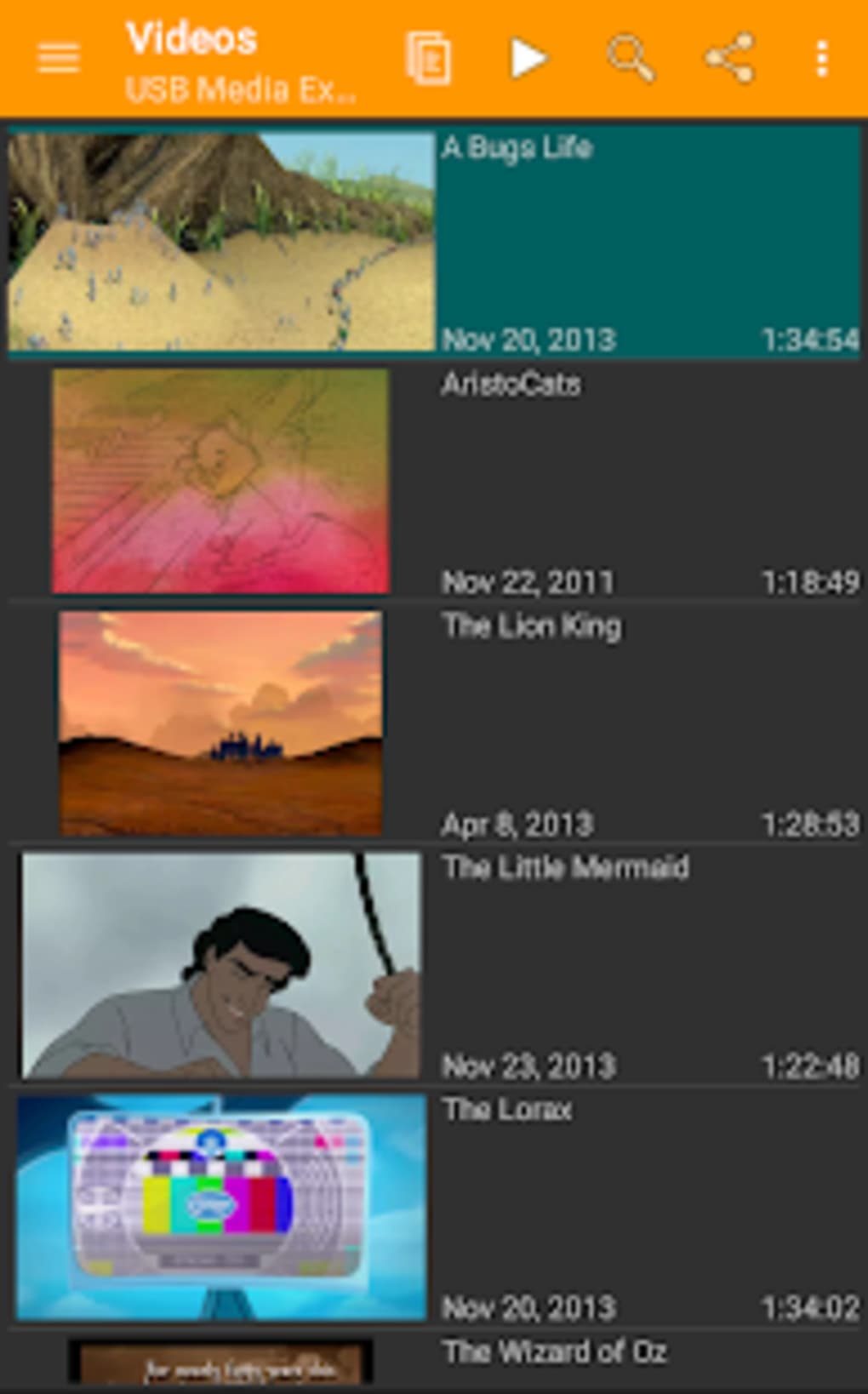
- Multi-Format Media Viewing – Supports viewing of images (JPEG, PNG), videos (MP4, AVI, MOV), audio (MP3), and documents (PDF) directly within the application, eliminating the need for external players or viewers.
- File Management Tools – Allows users to create new folders, copy, move, and organize files from connected devices to local storage or other drives.
- Intuitive File Browser Interface – Offers a clean, user-friendly layout with organized views for easy navigation through device contents, reducing time spent searching for specific files.
- Direct Device Integration – Automatically detects and connects to supported USB storage devices and cameras upon plug-in, enabling immediate access to stored media.
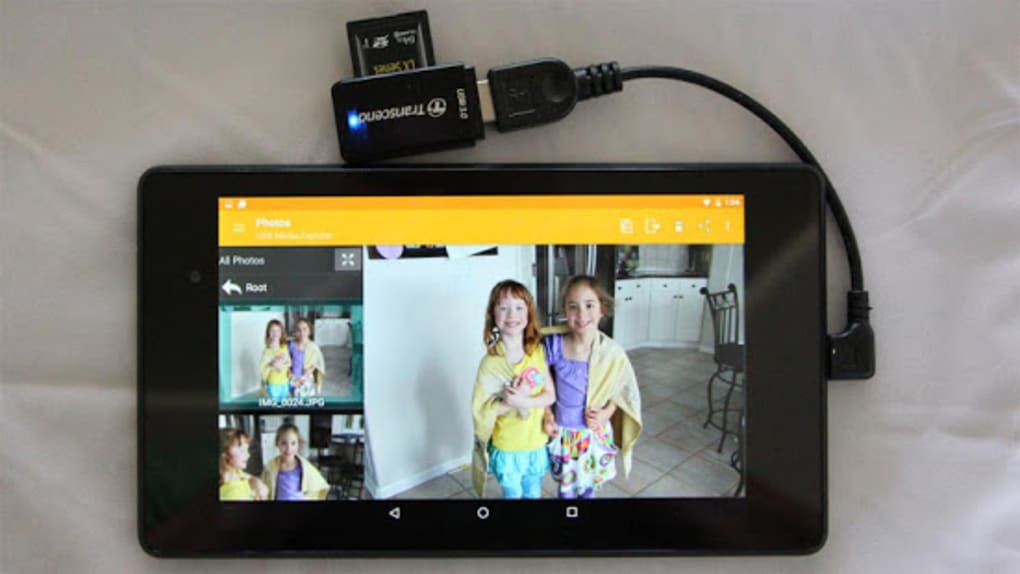
These capabilities make USB Media Explorer particularly effective in fast-paced environments such as photo shoots, video production, or field documentation. For instance, a photographer can plug in a camera’s memory card and immediately preview high-resolution images, create backup folders, and transfer only selected files to their computer. Similarly, a videographer can stream raw footage from a portable drive for on-the-go review without converting or copying files first. The ability to manage files directly within the app enhances workflow efficiency and reduces dependency on third-party tools.
User Interface, Workflow & Performance
The user interface of USB Media Explorer is designed with simplicity and functionality in mind. It presents a clean, uncluttered layout that prioritizes access to connected devices and their contents. Navigation is intuitive, with a sidebar for device selection, a main pane for file browsing, and contextual tools for file operations.
The workflow is streamlined—once a device is connected, the software detects it and displays its contents within seconds, allowing immediate interaction. Users can preview images in full resolution, play videos in real-time, and open documents without launching separate applications. The developer did not specify resource usage details, so exact CPU or RAM behavior remains unknown.
However, based on its 12.5 MB file size and typical performance patterns for similar utilities, the application is expected to operate efficiently on modern systems. Stability appears to be a focus, as the software supports persistent connections and reliable file transfers. No reports of crashes or freezes were provided, though real-world testing data was not included in the release materials.
Compatibility & System Requirements
USB Media Explorer is available for both Windows and Mac operating systems, making it accessible to a broad user base. The software has a compact installation size of 12.5 MB, which suggests minimal disk space usage and quick setup. The exact system requirements were not listed by the developer, so users should ensure their systems meet general standards for running desktop applications.
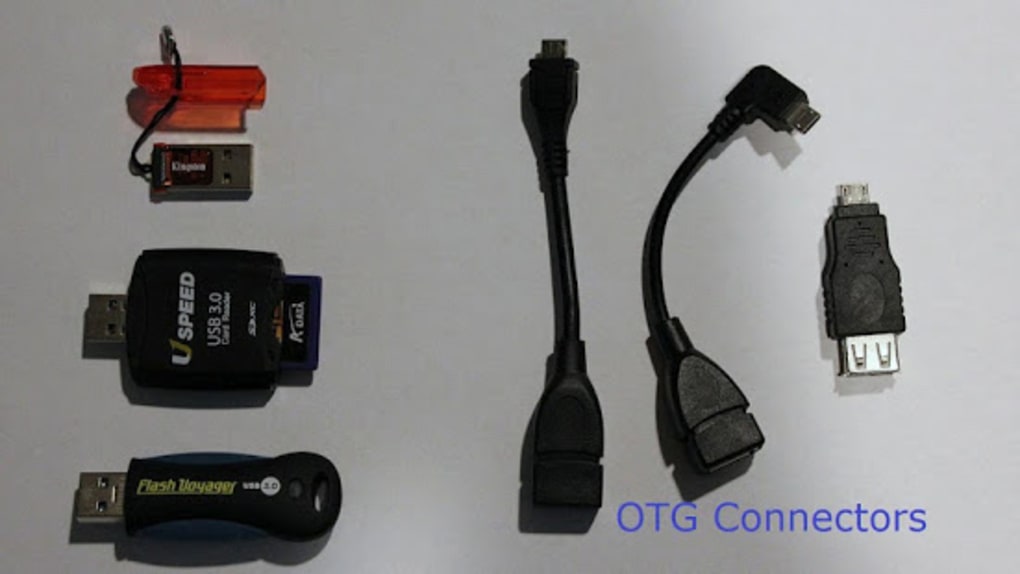
Compatibility with various USB devices, including flash drives, card readers, external hard drives, and digital cameras with built-in storage, is confirmed. The application relies on MTP for device communication, which is natively supported by most modern Windows and macOS versions. However, users may need to verify that their operating system has the necessary drivers or frameworks installed for MTP functionality.
The software was released on April 15, 2024, indicating it is a recent tool with up-to-date compatibility features. Platform-specific limitations or hardware dependencies were not disclosed.
Pros and Cons
Pros
- Supports MTP protocol for seamless device connectivity
- Wide range of file format support (images, videos, audio, documents)
- Intuitive interface ideal for non-technical users
- Efficient file management with copy, move, and folder creation
- Lightweight at only 12.5 MB
Cons
- Exact system requirements not specified by the developer
- No information on update frequency or support lifecycle
- Limited to MTP-compatible devices; may not work with all legacy hardware
- Price point of $29.99 may be high for casual users
- No details on cloud integration or automatic backup features
FAQ Section
Is USB Media Explorer compatible with all USB devices?
USB Media Explorer supports USB storage devices such as flash drives, card readers, and external hard drives, as well as cameras with built-in storage. It uses the MTP protocol, which means compatibility depends on the device’s ability to communicate via MTP. Not all devices support MTP, especially older or non-standard models.
Can I use USB Media Explorer offline?
Yes, the software does not require an internet connection to function. All file browsing, viewing, and transfer operations can be performed offline once the application is installed.
Is the software secure to download and install?
USB Media Explorer is designed as a standalone desktop application. As with any software, users should ensure they download it from official or trusted sources to avoid potential risks. The developer did not provide information on digital signatures or security certifications.
How often are updates released?
The developer did not specify the update schedule or release frequency. Users are advised to check the official website for new versions and improvements.
What license type does USB Media Explorer use?
The software is sold as a one-time purchase for $29.99. The exact license terms, including usage rights and redistribution policies, were not detailed in the provided information.
Final Thoughts + CTA
USB Media Explorer delivers a focused, efficient solution for users who regularly manage media files from USB devices and cameras. Its MTP integration, broad format support, and clean interface make it a valuable tool for photographers, videographers, and content creators seeking a reliable way to transfer and organize digital assets. While some details such as system requirements and update policies remain undisclosed, the software’s lightweight design and immediate usability are strong advantages.
For professionals who prioritize speed and simplicity in media workflows, this tool offers a compelling alternative to generic file managers. The $29.99 price tag may be steep for casual users, but it reflects the specialized functionality and targeted design. Overall, USB Media Explorer stands out as a practical, well-structured utility for media-centric workflows.
Download USB Media Explorer now.






.png)
